Candy
Install Windows Client
Graphical User Interface
For Windows 10 and above users, please use the graphical interface version. This version supports configuring multiple networks simultaneously.
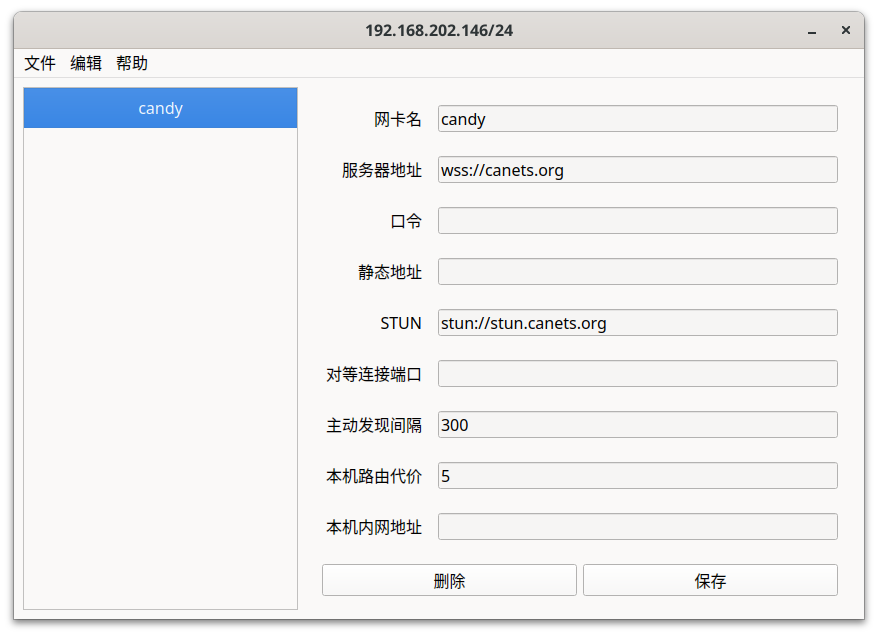
When there is no configuration, click “File” => “New” to populate the default configuration. After clicking “Save”, the configuration takes effect and the client starts connecting to the server.
The GUI configuration corresponds to the default configuration.
Logs are saved in C:/ProgramData/Cake/logs. When reporting Windows-related issues, please include logs and configuration screenshots.
Command Line
If you use the command-line version, please solve any problems you encounter on your own. We do not provide any technical support for the Windows command line.
Windows 7 users can only use the command-line version.